Logging in to Dynamic Forms
Use the link below to access the Dynamic Forms site, and bookmark it for future reference. This URL will allow you to access forms that you’ve already started or have completed, or if you are a form editor, it will give you access to manage the active forms in your area(s).
Lesley University Dynamic Forms Portal
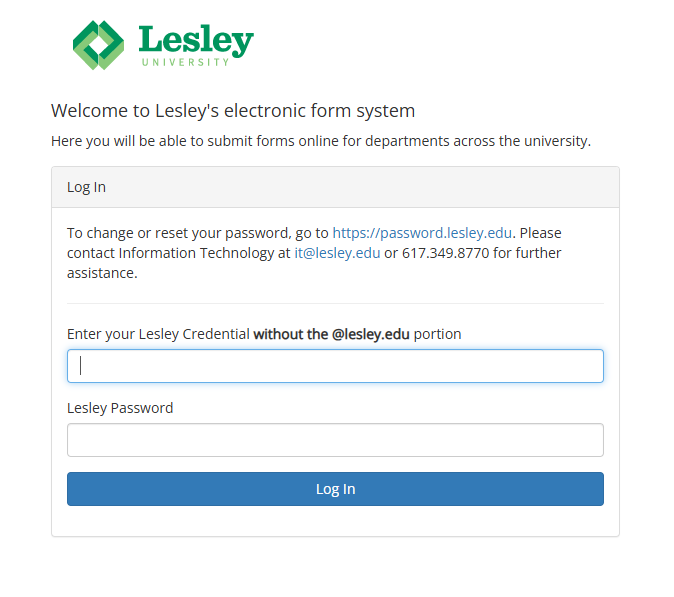
Make sure you see the Lesley logo. If you do not see the Lesley logo, you are not on the correct page. Use your Lesley credentials to log in, although without the @lesley.edu in the username.