LinkedIn Learning – Getting Started - Students
We’re excited to share LinkedIn Learning as a key feature of student support resources.
How to Access
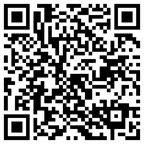
- You may access via the QR code, or from myLesley Home.
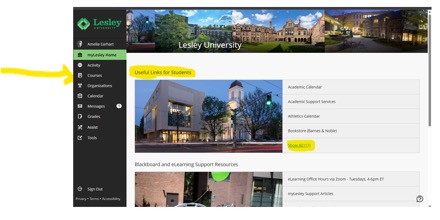
- From the myLesley Home, go to Useful Links for Students and select Show All.
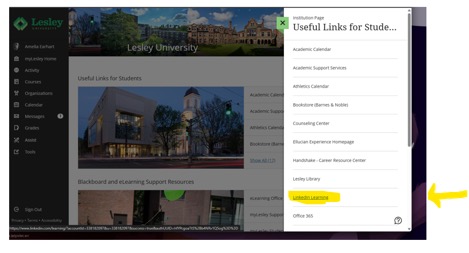
- The LinkedIn Learning link will be available on the right side of the screen. This is a direct link to LinkedIn Learning. Click Sign In, enter a Lesley e-mail and it will prompt you to log in with SSO.
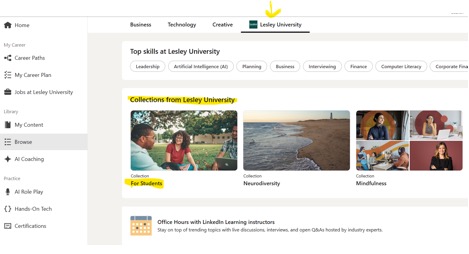
- Once you are on the LinkedIn Learning platform, you may browse for content or dive into a Collection under Lesley University.
Was this article helpful?
That’s Great!
Thank you for your feedback
Sorry! We couldn't be helpful
Thank you for your feedback
Feedback sent
We appreciate your effort and will try to fix the article